

20 September 2026
Entra Connect Sync Stops 30 September — Check Your Version This Week
Microsoft’s hard stop for outdated Entra Connect builds is ten days away, and 2.6.91.0 just shipped with security fixes. Here’s what New Zealand hybrid tenants should verify before sync fails.
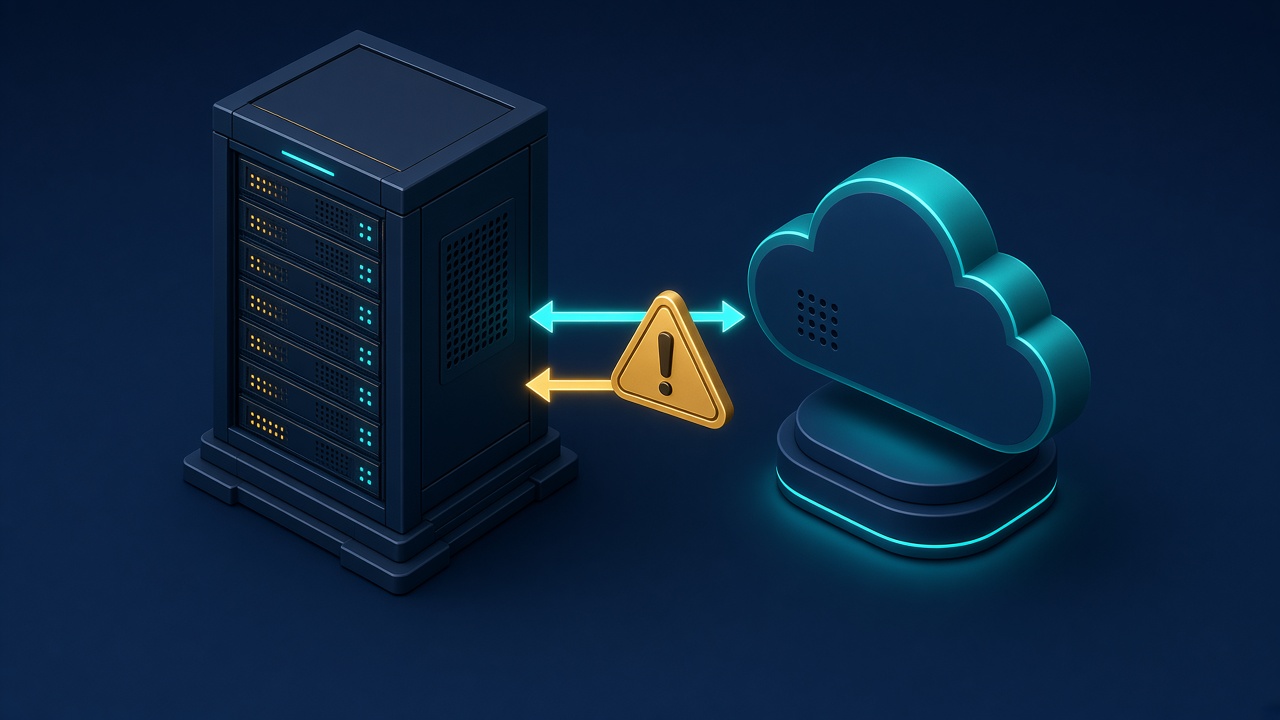
Microsoft published Entra Connect Sync 2.6.91.0 on 16 September 2026. The release notes flag security fixes and recommend upgrading as soon as you can. Download is only from the Microsoft Entra admin center under Microsoft Entra Connect.
There is a harder clock behind that release. Microsoft says all synchronization services in Entra Connect Sync will stop working on 30 September 2026 if the server is not on at least 2.5.79.0. Tenants that opted out of autoupgrade — or whose autoupgrade failed — are the ones most at risk. Connect Health agents have their own floor: 4.5.2466.0 or higher. The server also needs .NET Framework 4.7.2 and TLS 1.2.
Today is 20 September. That leaves about ten days before an outdated sync engine stops talking to the cloud.
Why NZ organisations should care
Most New Zealand mid-market and public-sector Microsoft estates still run hybrid identity: on-premises Active Directory synced into Entra ID. When that pipe fails, new starters and leavers stall, password hash sync and group membership drift, and hybrid-joined devices stop lining up with the tenant.
Under the Privacy Act 2020, if you hold personal information in a Microsoft tenant you need continuity you can explain — not a quiet weekend where directory changes never reach the cloud and nobody notices until Monday.
Version 2.6.91.0 also hardens local temporary-file handling, SharePoint connector profile-image downloads, and bundled third-party dependencies. The Connect setup wizard’s phishing-resistant sign-in path (passkeys, FIDO2, and passwords via Windows Web Account Manager) is now generally available and on by default. Microsoft has added Microsoft Graph permissions for Connect; if you use app-scoped Conditional Access, review policies that target Microsoft.Azure.SyncFabric or Microsoft 365 Reporting Service.
What to do this week
- Check the Entra Connect version on the sync server (Synchronization Service Manager About page, or the version shown in Entra admin center). Write the number down.
- If you are below 2.5.79.0, plan an upgrade before 30 September 2026. Prefer the current download, 2.6.91.0, not the bare minimum.
- Confirm whether autoupgrade is enabled and whether it has actually succeeded recently. If you opted out or it failed, treat this as a named change with a short outage window — do not wait for the hard stop.
- Confirm .NET Framework 4.7.2 and TLS 1.2 on the sync server before you run the installer.
- After upgrade: watch one full delta sync cycle, confirm password hash sync if you use it, and verify staging mode if you run dual servers.
- If Conditional Access scopes Graph apps tightly, review the new Connect Graph permissions so sync does not trip an unexpected block.
- If you are eligible for Microsoft Entra Cloud Sync, note it as a longer-term path — not a panic migration in the next ten days.
What this is not
It is not an Entra ID cloud CVE that Microsoft patches for you. It is an on-premises sync agent deadline with a security-bearing release beside it. It is also not a reason to rip out hybrid identity overnight. Get onto a supported build first; decide on Cloud Sync when you have time to design it properly.
If you want a lasting identity backlog while you are in the tenant, see our Microsoft Secure Score Quick-Start Checklist, or the earlier note on what recent Entra disclosures taught us about identity posture.
Sources: Microsoft Learn — Security hardening / mandatory Entra Connect upgrade by 30 September 2026, Microsoft Learn — Entra Connect version history (2.6.91.0, 16 Sep 2026).